Most people don’t give CAPTCHAs much thought.
You click a box, identify three traffic lights, and move on. They’re annoying, but familiar.
Scammers are now using that familiarity to trick people into sending text messages to international numbers.
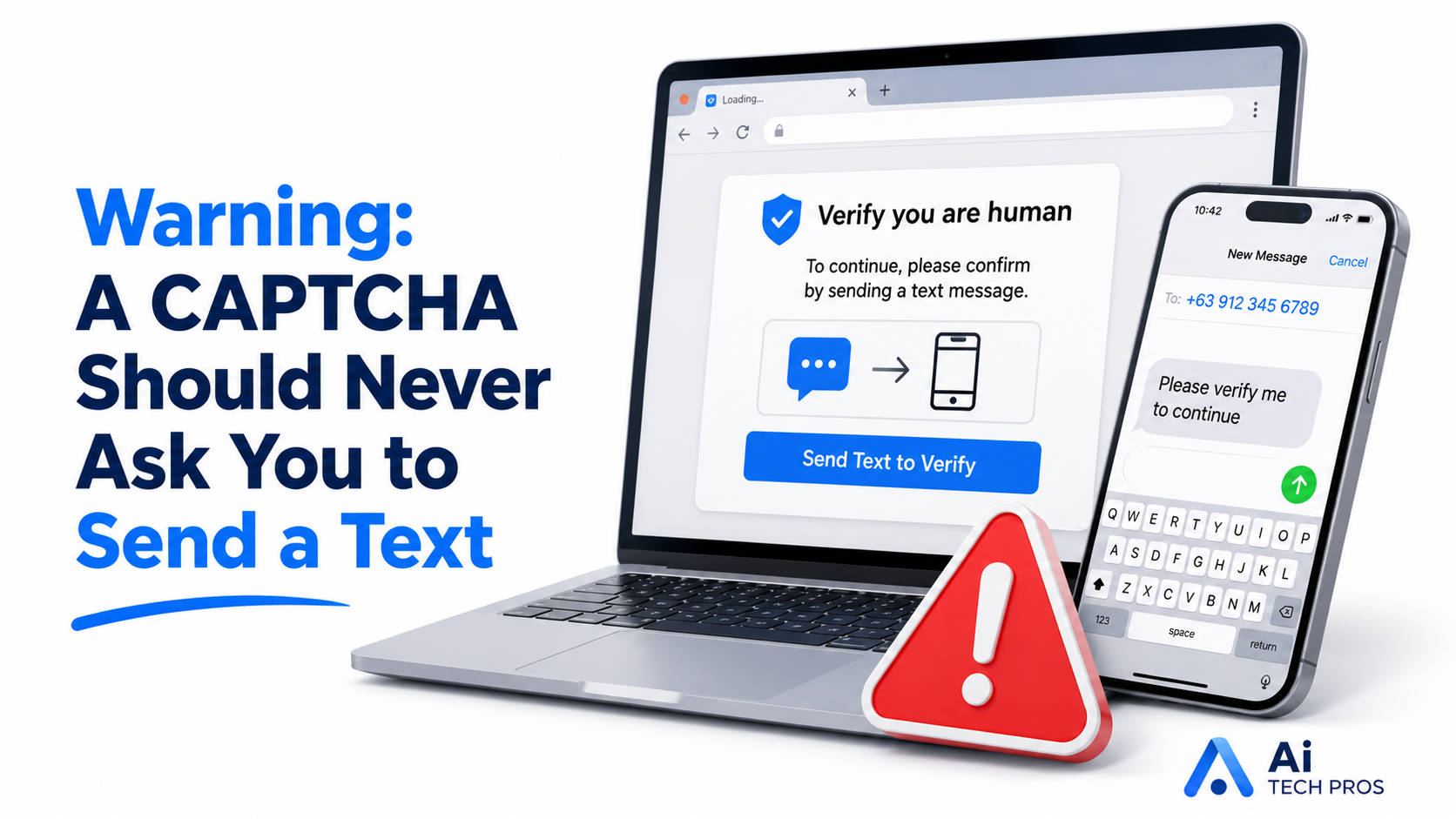
The page looks like a normal CAPTCHA, but instead of asking you to select images, it tells you to confirm you’re human by sending a text. Tap the button and your phone opens a message that’s already written. All you have to do is press Send.
That should be the point where you stop.
A real CAPTCHA does not need you to send a text message.
In some versions of this scam, pressing Send triggers messages to several international numbers. Each charge may be small, so there’s no obvious warning at the time. The extra costs may not appear until the next phone bill, long after you’ve forgotten about the page.
These fake CAPTCHAs can show up after someone clicks an advertisement or visits a website that has been compromised. From the user’s point of view, they haven’t done anything obviously risky. They clicked a normal-looking link, landed on a familiar-looking page, and followed the instructions.
That’s the part worth explaining to your team. This scam isn’t aimed at people who don’t understand technology. It’s aimed at people who recognize a routine task and want to get past it quickly.
Some pages may also make it difficult to go back or close the tab. Don’t keep clicking around trying to finish the verification. Close the browser if you can. On a work device, let your IT provider know what happened, especially if a message was sent or the page downloaded anything.
The rule is easy to remember:
If a CAPTCHA asks you to send a text message, it’s not a CAPTCHA. Close the page.
Share this post