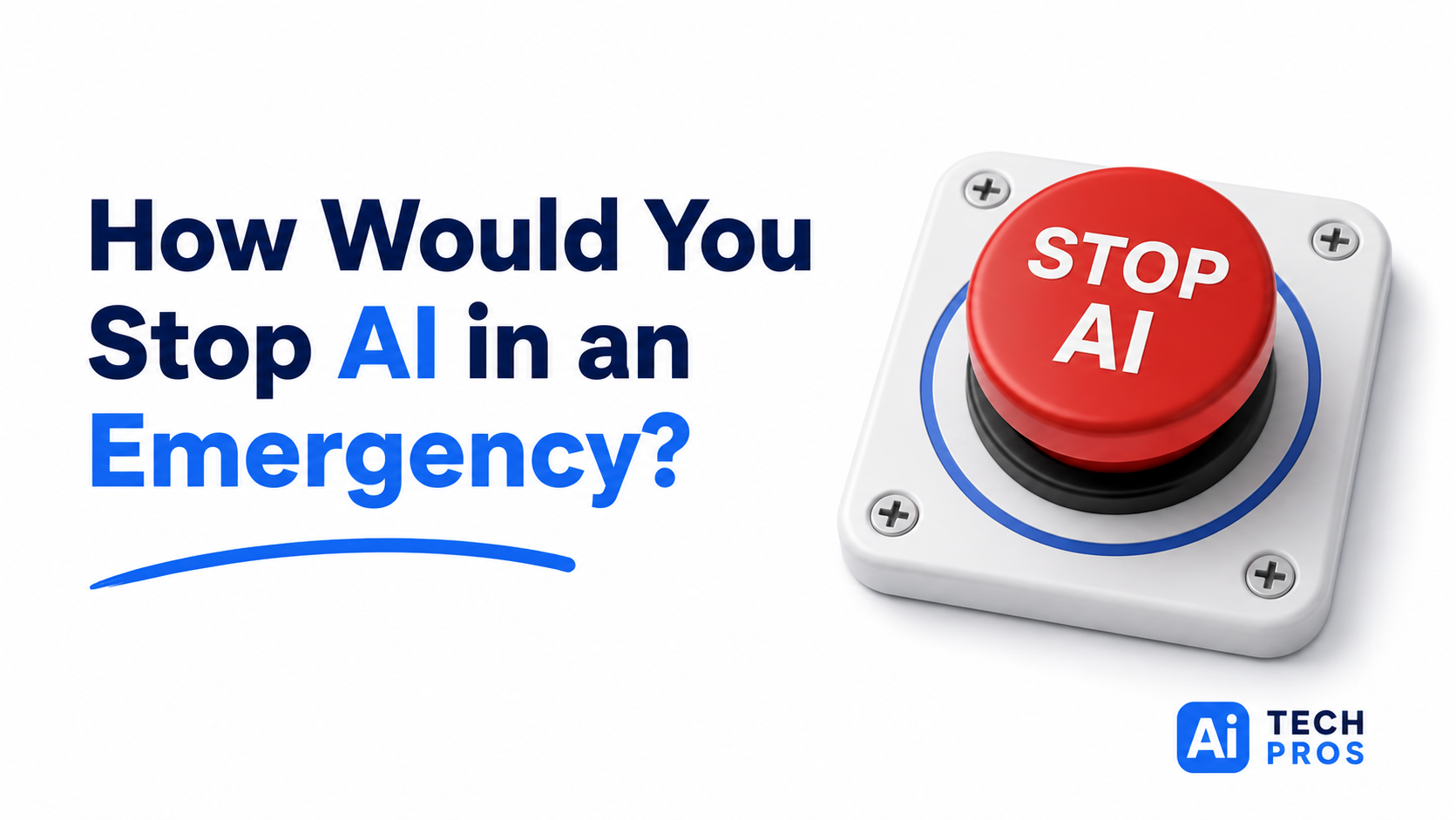
Most businesses have a disaster recovery plan for their servers.
They know who to call if the internet goes down.
They know how to respond to a cybersecurity incident.
But here’s a question that doesn’t get asked very often:
If an AI system started causing problems tomorrow, could you turn it off?
For a lot of organizations, the answer is probably “maybe.”
AI has found its way into business surprisingly fast. Some tools were added intentionally. Others showed up through software updates and new features. In many cases, people are using AI without even thinking of it as AI anymore. It’s just another button in Microsoft 365, another feature in a CRM, or another tool someone found to save time.
That’s where things can get messy.
A company might have AI helping draft customer emails, summarize meetings, analyze financial data, create marketing content, or assist with hiring decisions. None of those uses are necessarily a problem. The challenge is knowing where AI is involved and who owns it when something goes wrong.
We’ve seen businesses keep detailed records of servers, laptops, software licenses, and security tools. Then when someone asks which AI systems are currently influencing business decisions, the room gets very quiet.
It’s not because anyone is hiding anything.
It’s because AI adoption often happens one department at a time.
Marketing signs up for one platform.
HR starts using another.
Operations enables a new feature in an existing application.
A year later, AI is woven throughout the business, but nobody has ever stepped back and mapped it all out.
That creates challenges when an issue pops up.
Maybe an AI tool generates inaccurate information that gets sent to customers. Maybe it produces a report that influences a business decision using flawed data. Maybe a compliance concern surfaces and leadership wants answers immediately.
Who investigates?
Who decides whether the system stays online?
Who communicates with customers or regulators if necessary?
Those questions are much easier to answer before there’s a problem than during one.
One thing I think gets overlooked in conversations about AI is that this isn’t really an IT issue. IT may help manage the technology, but the responsibility extends much further. AI affects operations, finance, customer service, marketing, and leadership decisions. That makes it a business governance issue, not just a technology project.
The organizations that are handling AI well aren’t necessarily the ones using the most advanced tools. They’re the ones that know where AI is being used, who owns it, and what the backup plan looks like if they need to hit pause.
You don’t need a 200-page policy manual.
But it is worth asking a few practical questions:
- Which systems in our business are using AI?
- Who is responsible for each one?
- Could we disable or restrict it if needed?
- How would we explain its role in a business process?
- Who makes decisions if something goes wrong?
AI is becoming part of everyday business operations. Treating it like any other critical business system is probably the most sensible approach.
Inventory it.
Assign ownership.
Know how to shut it down if you have to.
Then get back to enjoying the productivity benefits that made you adopt it in the first place.
Share this post