For the past year or so, it’s felt like every Windows update arrived with another batch of AI features attached.
Some are genuinely useful.
Some feel like they exist simply because AI is the trend of the moment.
So it’s interesting to see Microsoft taking a slightly different direction with recent Windows 11 updates.
Instead of piling on more AI, the focus seems to be shifting toward something much less flashy but far more practical:
Making Windows faster, smoother, and less frustrating to use every day.
And honestly, that’s good news for businesses.
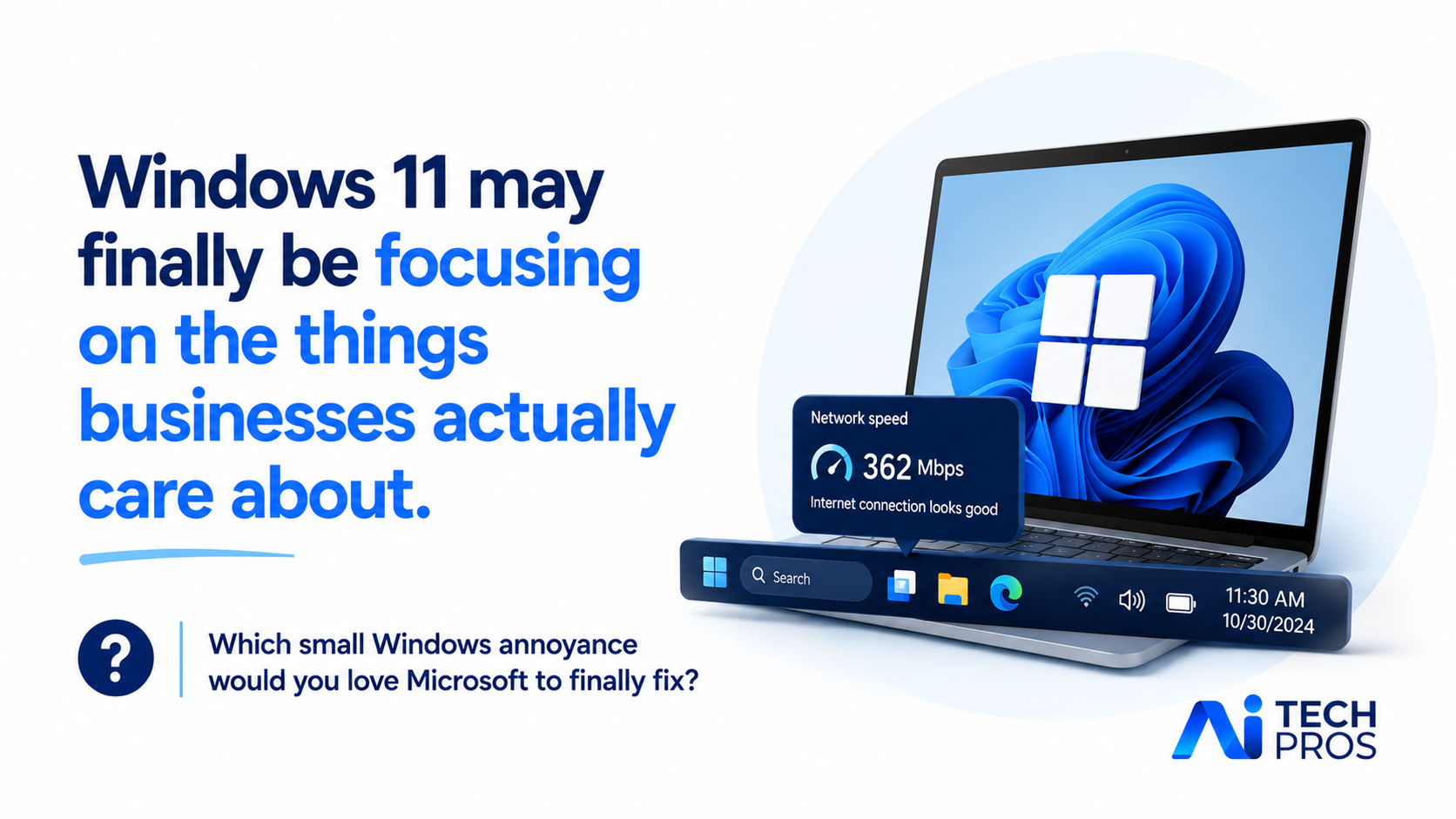
One small example is a new network speed test built directly into the taskbar.
If your internet suddenly feels slow, you won’t need to open a browser and search for a speed test website. You’ll be able to check performance directly inside Windows.
For businesses across Richmond and Central Virginia, that’s actually pretty useful.
If an employee says, “Everything feels slow today,” you can quickly figure out whether it’s the internet connection or something else causing the issue.
Microsoft is also improving how apps behave on the taskbar.
If you regularly work with multiple Word documents, Excel files, or browser windows open at once, you’ve probably seen them awkwardly shoved into overflow menus when space runs out.
The updated taskbar handles that space more intelligently, making things feel cleaner and easier to manage.
Performance improvements are another big focus.
Microsoft has optimized how Windows resumes from sleep mode, which is what happens when you close your laptop lid or leave your PC idle for a while.
If you’ve ever opened your laptop in a meeting and waited through that slightly awkward pause while everything wakes back up, these updates are designed to make that process feel noticeably quicker.
That may sound minor, but in busy workplaces, small delays add up fast.
There’s also a quieter change happening with AI itself.
Instead of forcing AI deeper into everything, Microsoft seems to be giving users more control over it.
For example, if your webcam uses AI framing during Teams calls, where it automatically zooms and follows your face, you’ll now have manual controls for pan and tilt settings.
If you’ve ever had your camera zoom in at the exact wrong moment, you’ll probably appreciate that update.
Some improvements are even smaller, but still helpful.
Storage Settings now scans faster when cleaning up temporary files.
Windows Update responds more quickly when checking for updates.
You can even set modern image formats like .webp as your desktop wallpaper.
None of these updates will make headlines on their own.
But collectively, they improve the experience of using Windows every single day.
And for most businesses, reliability and responsiveness matter a lot more than experimental features.
If Windows feels faster, cleaner, and less intrusive, your team works more efficiently without even thinking about it.
That’s where real productivity gains usually happen.
Which small Windows annoyance would you love Microsoft to finally fix?
Share this post