Windows 11 has never really had a major problem.
Its challenge has been all the little things.
The extra click that wasn’t there before. A setting that’s harder to find than it should be. Features appearing in places nobody asked for them. Nothing serious on its own, but enough that IT people have spent the last few years explaining to users why something that worked perfectly fine in Windows 10 suddenly works differently.
Microsoft seems to have noticed.
The company is putting more attention into refining Windows 11 instead of simply adding more features. And honestly, that’s probably what most users have wanted all along.
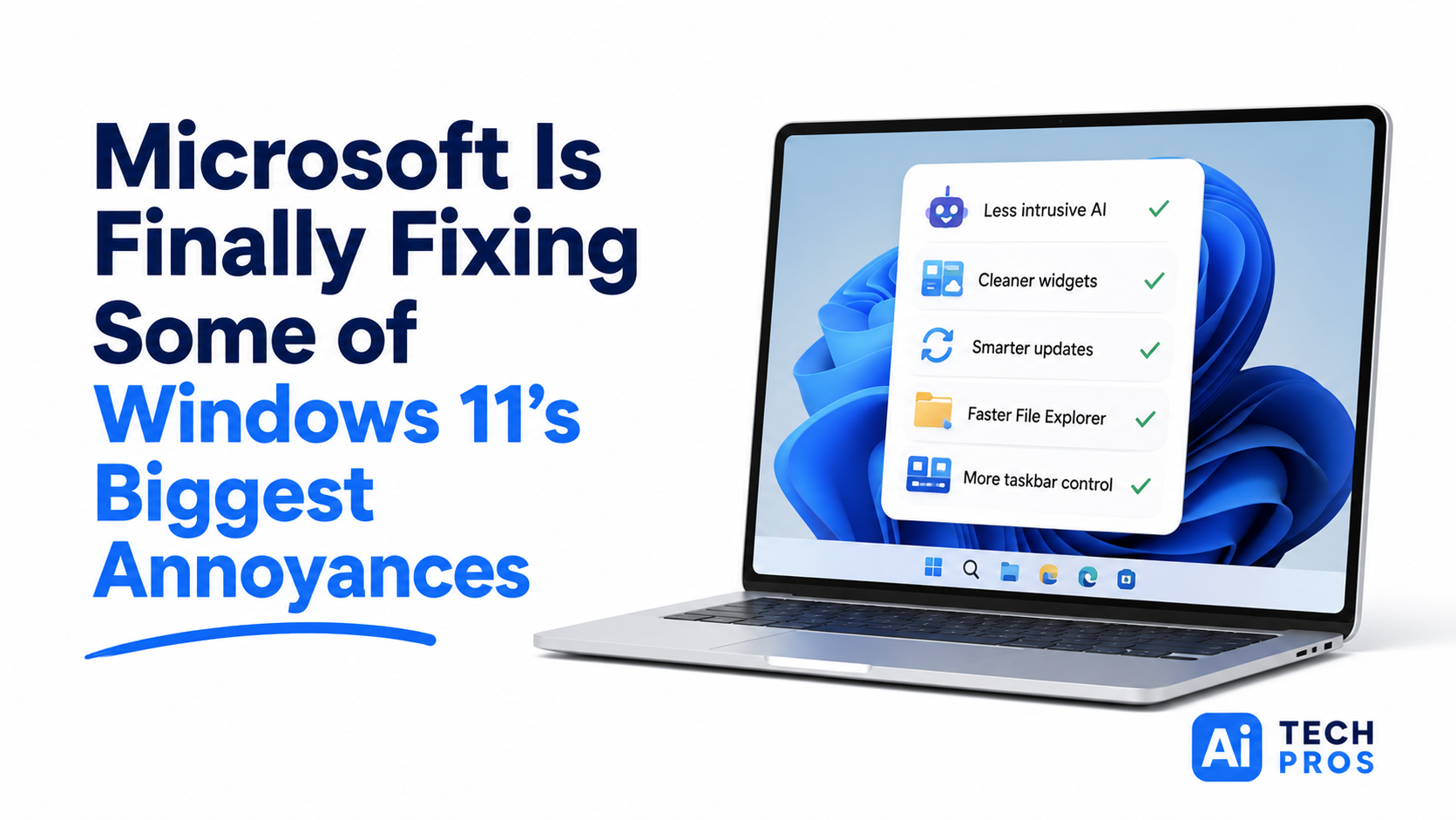
One of the more noticeable changes involves AI.
Microsoft has been working hard to put Copilot and other AI features into Windows. Some additions have been genuinely useful. Others have felt a bit like someone at Microsoft discovered AI and decided every application needed a reminder.
That approach appears to be changing.
Microsoft is reducing some of the more intrusive AI elements across Windows and applications like Photos and Notepad. For businesses, that’s welcome news. Most employees don’t need constant prompts to try a new AI feature. They just want to open a file, finish their work, and move on with their day.
There’s also good news for people who feel like Windows has become too busy.
Widgets, which display news, weather, sports scores, and other information, are getting better controls and less clutter. If you’re the type of person who immediately disables anything that flashes, scrolls, or tries to grab your attention, you’ll appreciate the direction Microsoft is taking.
Updates are getting some attention too.
Security updates are important, but Windows hasn’t always had the best timing. Anyone who’s been interrupted by a restart prompt five minutes before a meeting knows exactly what I’m talking about.
Microsoft is working to make updates less disruptive and give users more flexibility over when they happen. That may not sound exciting, but small improvements like that add up when you’re managing dozens or hundreds of computers.
Another area receiving some overdue attention is File Explorer.
Most people use File Explorer every single day without thinking about it. It’s the digital filing cabinet of Windows. When it’s slow, everyone notices.
Microsoft is working on performance improvements that should make opening folders, browsing files, and navigating the interface feel faster and smoother overall.
And then there’s the taskbar.
One of the more common complaints when Windows 11 launched was the loss of customization options that had existed for years. Microsoft is bringing some of that flexibility back, including the ability to place the taskbar in locations other than the bottom of the screen.
It sounds like a small thing until you meet someone who’s kept their taskbar on the left side of the screen for the last decade and is still annoyed about losing it.
None of these changes will generate flashy headlines.
They’re not supposed to.
The best technology improvements are often the ones people barely notice because everything simply works better. Fewer interruptions. Less clutter. Faster navigation. More control.
For most businesses, that’s far more valuable than another headline feature they’ll never use.
Share this post