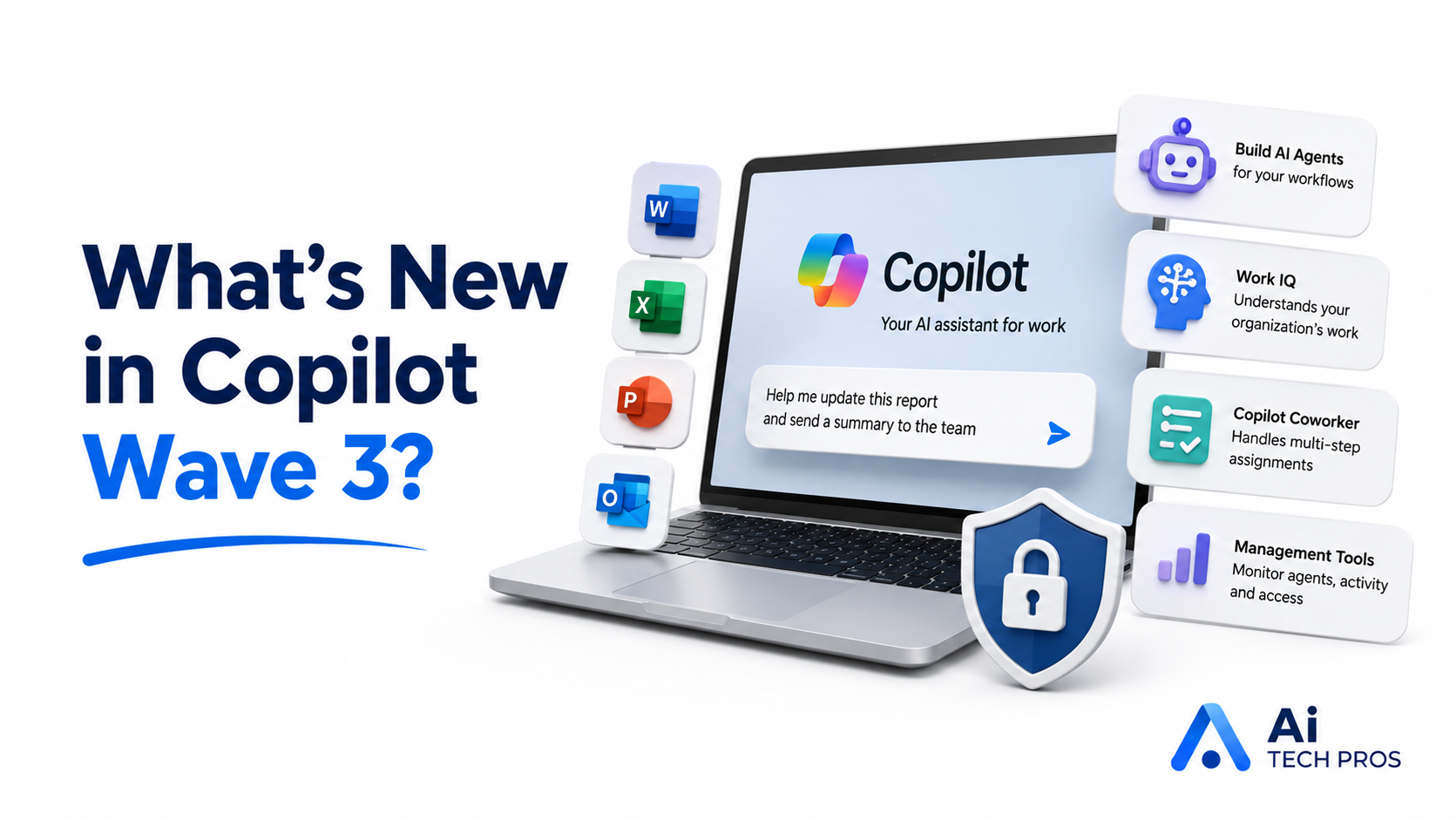
Microsoft Copilot is starting to move beyond drafting emails and summarizing documents.
Those features are still useful, but Microsoft’s latest round of updates is aimed at something bigger: helping Copilot take on parts of a workflow, not just answer a prompt.
One of the main changes is the ability to create AI agents inside Microsoft 365.
An agent is a small assistant built for a specific job. It might help organize documents, handle a repetitive admin process, or follow a set of steps that your team currently does by hand.
That sounds more complicated than it is. Think of it as giving Copilot a job description instead of asking it a one-off question.
The Copilot chat experience is also becoming more connected to the Microsoft 365 apps people already use. You may be able to ask for changes to a document, spreadsheet, presentation, or email without constantly switching between windows.
Microsoft is also introducing something it calls Work IQ.
The idea is to give Copilot a better understanding of your organization’s work, including the documents, conversations, and information your team already has access to. In theory, that should make its answers more relevant and reduce some of the generic output people often get from AI tools.
Of course, this is where permissions matter.
Copilot should only be able to use information the person asking already has permission to see. If your Microsoft 365 environment has messy access controls, outdated shared folders, or documents that everyone can open for no good reason, AI can make those problems much more noticeable. Before giving Copilot more responsibility, it’s worth getting the basics cleaned up.
Microsoft is also expanding the selection of AI models available behind Copilot. Most users won’t need to think about which model is doing the work, but it may allow Copilot to handle a wider range of tasks over time.
Another feature being tested is called Copilot Coworker. This is intended to take AI agents a step further by letting them work through longer, multi-step assignments instead of responding to one instruction at a time.
That could be useful, but it also needs some common sense. You wouldn’t give a new employee broad access and tell them to “take care of everything.” AI agents should be treated the same way. Start with a narrow task, limit what they can access, and make sure someone is checking the result.
Microsoft is adding management tools to help businesses see which agents are being used, what they’re doing, and where they have access.
That may turn out to be one of the most important parts of the update. Creating an AI agent is the interesting bit. Keeping track of it six months later is the part businesses actually need to plan for.
Share this post